To prevent dropouts, choose ANT+ if you want a highly reliable, dedicated connection with less interference and support for multiple devices, especially in crowded environments. Bluetooth offers quick pairing and broad compatibility but can be more prone to interference and signal issues. Your choice depends on your setup and environment—understanding the differences helps you make a smarter pairing decision. Keep exploring to learn how to optimize your device connections and stay synced during workouts.
Key Takeaways
- ANT+ creates dedicated networks with less interference, reducing dropouts during workouts.
- Bluetooth is more prone to interference, which can lead to connection drops, especially in crowded environments.
- ANT+ supports multiple device connections simultaneously, enhancing stable data transfer and minimizing dropouts.
- Bluetooth offers quick pairing and broader device compatibility but may experience signal instability in congested areas.
- Choosing ANT+ over Bluetooth is preferable for reliable, uninterrupted device pairing in demanding workout conditions.
Why Reliable Connectivity Matters for Your Fitness Devices
Reliable connectivity is essential because it guarantees your fitness devices accurately track your performance without interruptions. When your device pairs smoothly, you won’t miss critical data, ensuring your training is effective. A weak sensor battery can cause connection drops, disrupting your workout and leading to inaccurate readings. Regularly checking and replacing the sensor battery keeps the connection steady. Proper device pairing is fundamental; if your devices don’t connect seamlessly, you might experience data gaps or delayed updates. Consistent connection stability helps you monitor progress in real-time, motivating you to push further. Standardized protocols can also play a role in providing secure and reliable data transmission for your devices. Without reliable connectivity, your fitness journey suffers. Ensuring your devices use reliable communication protocols helps maintain a steady connection and accurate data transfer. Additionally, selecting devices with robust wireless technology can further reduce the risk of dropouts and improve overall performance. Utilizing advanced wireless standards can enhance connection stability, especially in challenging environments. So, prioritize maintaining a good sensor battery life and ensuring your devices are paired correctly for uninterrupted, precise performance tracking.
Which Devices Use ANT+ and Which Use Bluetooth?
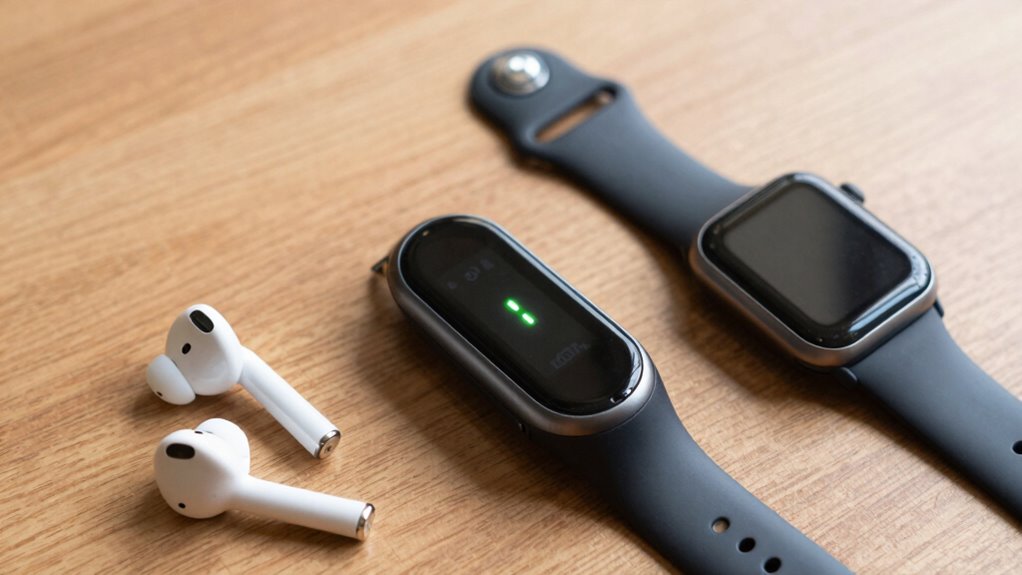
Different fitness devices utilize either ANT+ or Bluetooth technology to connect with your sensors and accessories. ANT+ is common in dedicated sports and fitness gadgets like heart rate monitors, bike computers, and cycling sensors because it supports multiple device pairing and maintains strong signal strength over longer distances. Wireless protocol support allows for reliable connections in varied environments. Bluetooth, on the other hand, is prevalent in smartphones, smartwatches, and fitness trackers due to its convenience and broad compatibility. Devices using Bluetooth often prioritize quick, simple pairing, but may experience signal issues if there’s interference or distance. ANT+ devices tend to offer more reliable device pairing with minimal dropouts, especially in busy environments. Knowing which devices use each technology helps you choose the right gear for stable, continuous data transmission during your workouts. Understanding wireless protocols can further help you optimize your device setup for peak performance. Additionally, selecting the right protocol can reduce frustrations caused by signal dropouts and improve your overall training experience. Recognizing the compatibility differences between protocols can also help you avoid connectivity issues when integrating multiple devices. Being aware of device-specific features can help you tailor your setup for optimal performance and fewer disruptions.
How Do ANT+ and Bluetooth Differ in Wireless Communication?

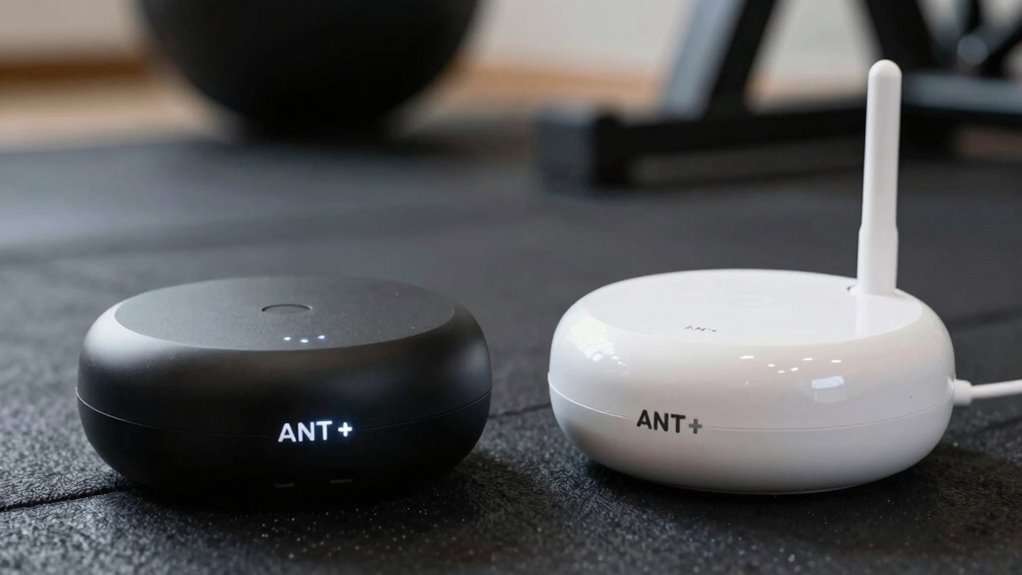
ANT+ and Bluetooth differ markedly in how they handle wireless communication, affecting their performance in various fitness scenarios. ANT+ uses a specialized wireless protocol designed for low power, high reliability, and minimal interference. It creates a dedicated network between devices, which simplifies device pairing and ensures stable data transmission. This dedicated network approach often results in fewer dropouts and more consistent data flow. Additionally, ANT+ devices typically operate on a dedicated frequency, reducing the likelihood of interference from other wireless signals. The protocol also emphasizes network stability, which is crucial for maintaining reliable connections during intense activities. It is especially favored by athletes and fitness enthusiasts for its reliable data transmission during rigorous exercise. Bluetooth, on the other hand, employs a more versatile wireless protocol that supports multiple device types and connections simultaneously. Its device pairing process can be more complex, sometimes leading to dropouts if interference occurs. While ANT+ prioritizes consistent connections for sensors like heart rate monitors, Bluetooth offers broader compatibility but may require more careful pairing and management. Understanding these differences helps you choose the right protocol for your fitness setup.
When Is One Protocol Better Than the Other for Stability?
When it comes to stability, choosing the right protocol depends on your specific fitness setup and environment. If you prioritize consistent data transfer and longer battery life, consider these factors:
- Device Compatibility: ANT+ generally offers more stable connections with multiple devices, reducing dropouts.
- Battery Efficiency: Bluetooth tends to drain batteries faster, which may impact long sessions or multi-device use.
- Interference Resistance: ANT+ operates on a dedicated frequency, providing better stability in crowded wireless environments.
In scenarios where you need reliable data transfer over extended periods, ANT+ might be the better choice. Conversely, if you’re seeking quick pairing and flexible device connectivity, Bluetooth can offer sufficient stability, especially in less congested settings.
How Range and Interference Affect Your Connection

Your connection quality heavily depends on both range and interference, which can make or break your fitness experience. Signal range determines how far your device can stay connected, so staying within that distance is essential. If you move too far away, you risk losing connection or experiencing dropouts. Frequency interference, caused by other devices operating on similar bands, can disrupt your signal, leading to inconsistent data transmission. These disruptions are especially problematic during intense workouts or when multiple devices are nearby. To minimize issues, keep your devices within the recommended range and avoid crowded wireless environments. Understanding how range and interference impact your connection helps you maintain a stable, reliable link, ensuring your workout data stays accurate and your training stays uninterrupted. Additionally, proper wireless setup and maintenance can further reduce the risk of connection problems during your sessions. Being aware of interference sources and how they affect your devices can also help you optimize your connection stability, leading to a more consistent and enjoyable fitness experience. Regularly updating your device firmware and using dedicated wireless channels can also help mitigate potential issues. For example, selecting specific channels for your Wi-Fi network can significantly improve signal reliability and reduce interference.
How to Set Up ANT+ and Bluetooth Devices for Best Performance

To get the best performance from your ANT+ and Bluetooth devices, you should focus on ideal device placement, keeping them close to your sensors and receivers. Avoid areas with heavy wireless activity, like Wi-Fi routers or other electronic devices, to minimize interference. Proper setup ensures a stronger, more reliable connection during your activities. Additionally, understanding the differences between wireless protocols can help you optimize device compatibility and performance. For optimal results, consider the signal range of your devices to prevent dropouts during use. Being aware of interference sources, such as other electronic devices, can further improve connection stability. Being mindful of device compatibility can also help prevent connectivity issues before they arise.
Optimal Device Placement
Proper device placement is crucial for maximizing the performance of ANT+ and Bluetooth sensors. To guarantee ideal signal strength, focus on these key points:
- Keep devices close, ideally within a meter, to prevent signal degradation.
- Position devices with the device orientation in mind—align antennas for the best line of sight.
- Avoid metal objects or thick barriers that can block or weaken signals.
- Understanding wireless communication principles can help you optimize device placement for the best results. Additionally, being aware of signal interference sources can further improve connection stability and reduce dropouts.
Minimize Wireless Interference
Wireless interference can profoundly disrupt the performance of ANT+ and Bluetooth devices, so setting them up carefully is essential. To minimize wireless congestion, keep devices away from Wi-Fi routers, microwaves, and other potential sources of interference. Use signal filtering features on your devices or apps to reduce background noise, which helps maintain a stable connection. Avoid placing devices close together; space them out to prevent signal overlap. Regularly update firmware to improve interference handling. Turn off other Bluetooth or ANT+ devices not in use to reduce unnecessary congestion. When possible, select dedicated channels or frequencies for your devices to improve reliability. These steps help ensure your data stays steady and dropouts are minimized.
Troubleshooting Common Dropouts and Connection Issues
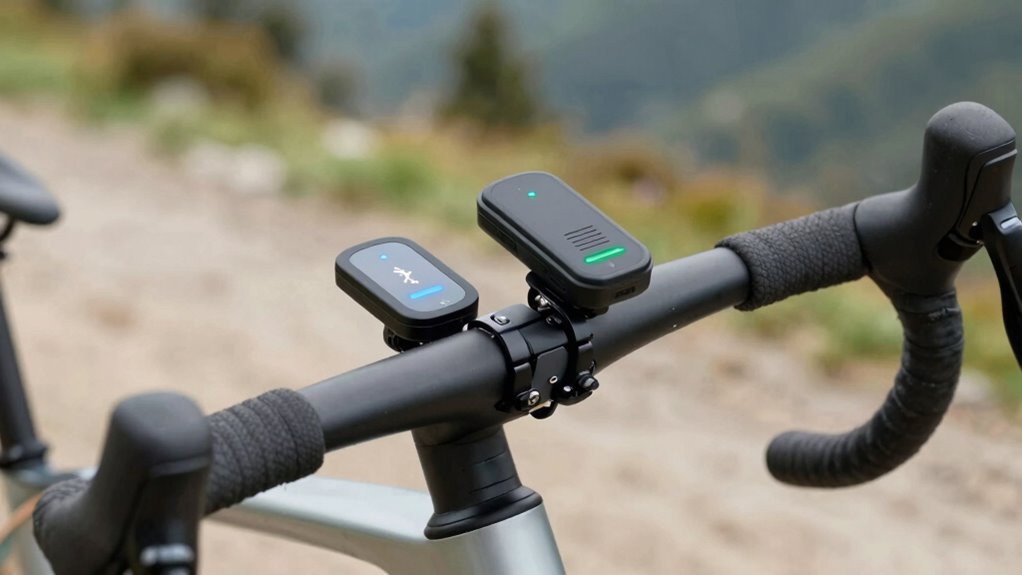
Dropouts can often be caused by signal interference, so check for nearby electronic devices or thick barriers that might block the connection. Make certain your devices are compatible and updated to avoid compatibility issues. Proper mounting and positioning also play a key role in maintaining a stable connection, so ensure your sensors and receivers are securely mounted and ideally placed.
Signal Interference Factors
Have you ever wondered why your ANT+ or Bluetooth connection suddenly drops during a workout? Signal interference is often the culprit. Environmental interference, such as other wireless devices, can cause disruptions. Also, frequency overlap occurs when multiple devices operate on similar channels, leading to signal congestion. To minimize issues, consider these factors:
- Keep devices away from Wi-Fi routers and other electronics generating electromagnetic noise.
- Use devices operating on different frequencies to prevent overlap, especially in crowded areas.
- Limit the number of active wireless devices nearby during your workout to reduce environmental interference.
Device Compatibility Checks
When experiencing connection issues during your workout, checking device compatibility is a crucial step. Confirm your device supports the same protocol—ANT+ or Bluetooth—used by your sensor or equipment. Incompatibility between devices can cause dropouts or failed connections. Verify that your device and sensor are compatible and capable of protocol interoperability; some devices only support one protocol, limiting pairing options. Update firmware if available, as outdated software can hinder compatibility. Also, confirm that both devices are designed to communicate over the same standard. Matching the device specifications prevents frustration and ensures a stable connection. Conducting these compatibility checks helps you identify potential issues early, reducing connection dropouts and ensuring a smooth, uninterrupted workout experience.
Optimal Mounting Techniques
Properly mounting your sensors and devices is essential to maintaining a stable connection during your workout. Correct antenna orientation and device placement minimize dropouts. Consider these key tips:
- Position your device at chest or waist level, avoiding obstructions.
- Ensure antenna orientation points directly toward the ANT+ or Bluetooth receiver for maximum signal.
- Keep sensors and devices close, ideally within a meter, to improve signal strength.
Good device placement prevents interference from metal objects or thick clothing, which can weaken signals. Rotate sensors to find the best antenna angle, ensuring clear line-of-sight when possible. Proper mounting reduces connection issues and guarantees consistent data transfer throughout your session. Remember, precise device placement and antenna orientation are your best tools against dropouts.
Should You Use ANT+ or Bluetooth? Tips for Better Connectivity
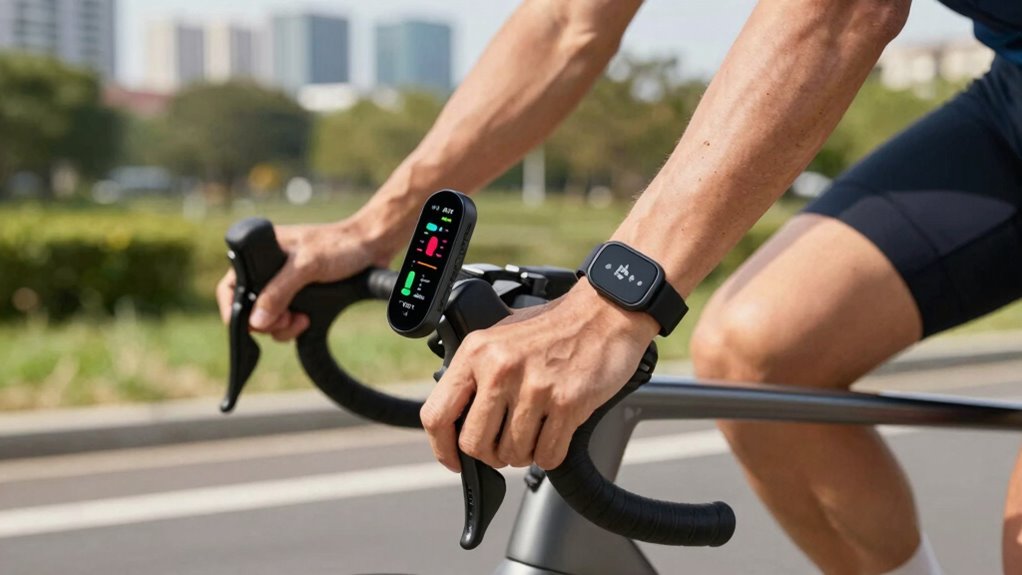
Choosing between ANT+ and Bluetooth for your fitness devices depends on your specific needs and environment. To guarantee reliable device pairing, consider how each protocol handles signal strength. ANT+ typically offers a more stable connection over longer distances and through obstacles, making it ideal if you have a complex setup or multiple devices. Bluetooth, on the other hand, is more convenient for quick pairing and works well in close proximity. To improve connectivity, keep your devices within a reasonable range, avoid interference from other wireless signals, and ensure your firmware is up to date. Proper placement and minimizing obstacles between your devices will also strengthen signal strength, reducing dropouts. Ultimately, selecting the right protocol depends on your environment and how you prioritize ease of use versus stability.
Pros and Cons of Bluetooth and ANT+ for Fitness Tracking
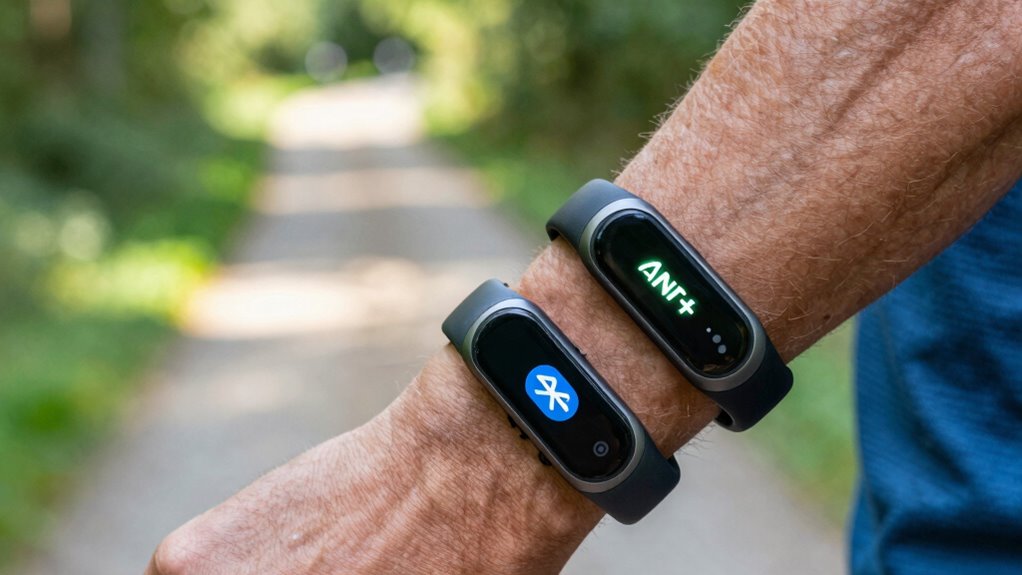
Bluetooth and ANT+ each have distinct advantages and disadvantages for fitness tracking. Bluetooth offers broader device compatibility, making it easy to sync with smartphones and tablets. However, it tends to drain battery life faster, so your devices may need more frequent charging. ANT+ excels in low-power consumption, which benefits battery longevity, especially during long workouts. It’s typically more affordable at lower price points, especially for specialized sensors. Consider these factors:
- Compatibility: Bluetooth works with most consumer devices, while ANT+ is often limited to fitness-specific gear.
- Battery Life: ANT+ prioritizes energy efficiency, extending device use between charges.
- Cost: Devices using ANT+ usually cost less, but Bluetooth offers more versatile pairing options.
Your choice impacts convenience, device longevity, and budget.
Top Tips to Keep Your Devices Connected During Workouts

To guarantee your devices stay connected during workouts, start by keeping your firmware and app software up to date, as updates often include performance improvements and bug fixes. Reducing wireless latency is vital for maintaining a stable connection, especially during intense activity. When pairing your devices, make sure they’re close enough to avoid interference and accidental disconnections. Use dedicated channels or modes, like ANT+ or Bluetooth Low Energy, to improve reliability. Avoid crowded environments with multiple wireless signals that can disrupt device pairing. Also, consider turning off other Bluetooth or wireless devices nearby to minimize interference. Regularly check connection status during your workout to catch any dropouts early. Following these tips can help keep your devices synced and your data accurate throughout your workout.
Frequently Asked Questions
Can Multiple Devices Connect Simultaneously With Ant+ and Bluetooth?
Yes, you can connect multiple devices simultaneously with ANT+ and Bluetooth. ANT+ handles device interference well, allowing several connections without dropouts, and pairing speed is quick, making setup easy. Bluetooth also supports multiple device connections, but interference can sometimes slow pairing or cause signal issues. Overall, both options are capable of managing multiple devices at once, so you can choose based on your setup and preferences.
How Does Device Battery Life Impact Connection Stability?
You’ll find that a dying battery is the ultimate sabotage to your connection stability. When your device’s battery drain kicks in, power efficiency drops, causing signal hiccups and dropouts. Keep your device charged and optimized; otherwise, your workout becomes a frustrating game of “Will it stay connected?” Remember, a well-powered device isn’t just about longevity — it’s about keeping your data flowing smoothly, no matter how intense your ride gets.
Are There Any Security Differences Between Ant+ and Bluetooth Connections?
You’ll find that Bluetooth generally offers better data encryption and pairing security compared to ANT+. Bluetooth uses robust encryption standards, making your data more protected during transmission. ANT+ focuses on simplicity and low power, so it has less emphasis on advanced security features. If security is a priority, especially for sensitive data, Bluetooth provides a safer option with its stronger pairing security and encryption protocols.
Which Protocol Offers Better Compatibility With Third-Party Fitness Apps?
You might think Bluetooth offers better compatibility with third-party fitness apps, but ANT+ actually excels in app integration and data synchronization. Many popular fitness apps support ANT+, making it easier to connect devices seamlessly. You quickly discover that Bluetooth varies across devices, causing occasional connection issues. So, if smooth app integration and reliable data sync are your priorities, ANT+ gives you a more consistent experience, especially with third-party apps.
How Do Environmental Factors Influence Wireless Signal Performance?
Environmental factors like interference mitigation and signal attenuation can critically impact your wireless signal performance. When you’re in crowded areas or near other electronic devices, interference mitigation becomes essential to prevent dropouts. Signal attenuation from walls or long distances weakens the connection, so keeping devices closer and minimizing obstacles helps maintain a stable signal. You can optimize performance by choosing the right protocol and ensuring your environment supports strong, consistent wireless communication.
Conclusion
Choosing between ANT+ and Bluetooth isn’t just about compatibility—it’s about your workout’s success. Imagine a seamless session where your heart rate stays steady, and your data flows effortlessly. Will the next dropouts catch you off guard, or will you open the secret to flawless connectivity? The choice is yours, and the right protocol could be the game-changer you need. Stay tuned—your perfect connection might be just a switch away.