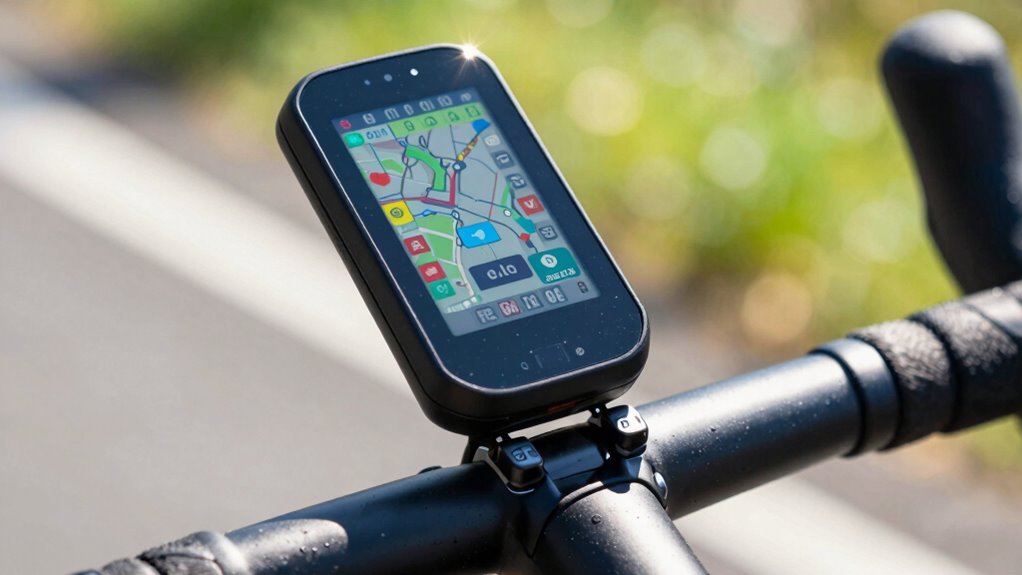
Bike computer screens get cluttered quickly because manufacturers load devices with many features and default settings that show too much data at once. This overload can make it hard to focus during rides, as all the information competes for your attention. Without customizing your display, clutter persists, overwhelming you during rides. If you keep exploring, you’ll discover how to simplify your screen and improve your riding experience.

Get sports gear delivered free with Prime
- Fast, free delivery on millions of items
- Prime Video, Amazon Music and more included
- Member-only deals all year
Key Takeaways
- Manufacturers preload devices with many features, leading to default screens packed with excessive data.
- Continuous real-time sensor and GPS updates increase information flow, causing clutter.
- Default settings often display all available metrics, overwhelming users during rides.
- Lack of customization options results in persistent, unnecessary information on screens.
- Complex device interfaces make it difficult to tailor displays, leading to cluttered views.
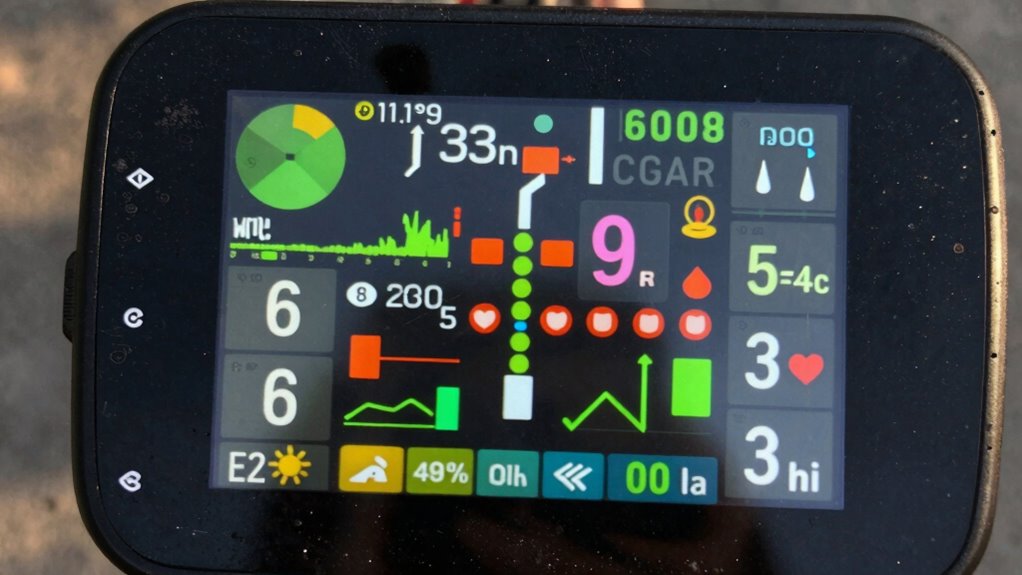
If you’ve ever used a bike computer during a ride, you’ve probably noticed how quickly its screen can become cluttered with data. It’s almost inevitable, especially when you’re trying to monitor everything from speed to heart rate to navigation. That overload of information can make it tough to focus on your ride, and instead, you might find yourself squinting at a jumble of numbers and icons. This phenomenon is largely due to data overload, where too many metrics compete for your attention at once. Manufacturers often load these devices with numerous features, assuming riders want detailed insights, but this can backfire by overwhelming the screen. The more data you include, the harder it becomes to quickly interpret what’s important at any given moment.
To combat this, many riders turn to screen customization. By tailoring what appears on their bike computer, they can prioritize the metrics that matter most to them. For example, if you’re focused on maintaining a steady pace, you might only display speed and distance, removing unnecessary stats like cadence or altitude. Customization allows you to create a cleaner, more manageable display that aligns with your riding style and goals. However, the process of setting up these screens can sometimes be confusing, especially if the device has numerous options and settings. Without proper customization, it’s easy to fall back into the trap of data overload, because the default settings often feature a holistic view packed with every possible metric. Additionally, understanding how to customize your display effectively can significantly reduce clutter and enhance your riding experience. Learning how to prioritize the most relevant data can also help prevent sensor overload from affecting your focus. Exploring user interface design principles might also help you optimize your setup for better clarity.
Another reason screens get cluttered so fast is because many bike computers update data in real-time, constantly pulling information from sensors and GPS signals. This continuous stream can flood your screen with fresh data, making it difficult to keep track of what’s essential. If you don’t proactively customize your display, the default setup might show everything simultaneously, creating a cluttered, chaotic view. The key is to simplify your display by removing less relevant information and focusing on the essentials. This not only reduces visual clutter but also improves your ability to react quickly during your ride.
In the end, the main culprits behind cluttered screens are data overload and a lack of proper screen customization. Recognizing these factors and taking the time to personalize your display can make a significant difference. A cleaner, more focused screen helps you stay in tune with your ride, rather than battling an overwhelming array of numbers. When you streamline your data, riding becomes safer, more enjoyable, and more efficient.
bike computer screen customization kit
As an affiliate, we earn on qualifying purchases.
As an affiliate, we earn on qualifying purchases.
Frequently Asked Questions
Can Screen Protectors Prevent Clutter on Bike Computers?
Screen protectors won’t prevent clutter on your bike computer, but they can help with glare reduction, making the display easier to see. To keep your screen organized, focus on good mounting options that position the device for quick access, reducing the temptation to fiddle with it. While protectors improve visibility, regular cleaning and customizing your display settings are more effective in managing clutter and keeping your screen clear.
Are There Settings to Limit Data Displayed?
Yes, you can limit clutter by customizing your data display. Many bike computers offer settings for data customization, allowing you to select only the essential info. This enhances display simplicity, making it easier to focus on your ride. Explore your device’s menu to toggle off unnecessary metrics and streamline your screen. Simplifying your display curbs clutter, keeping your focus on the road and your ride, not the screen.
How Often Should I Reset or Clean My Bike Computer?
You should reset or clean your bike computer every few weeks to keep data accurate. Before cleaning, perform sensor calibration to guarantee readings stay precise. Resetting helps clear clutter and improve performance, especially if data becomes inconsistent. Also, regularly check data synchronization with your devices to prevent outdated info from piling up. This routine keeps your display clear, ensuring you get reliable stats during every ride.
Do Different Brands Have Better Clutter Management?
Yes, different brands vary in clutter management, with some offering better display customization options that help you organize data efficiently. Brands known for durability often provide customizable screens, making it easier to hide unnecessary info and reduce clutter. Look for models with flexible display settings, allowing you to tailor the layout to your needs. This way, you keep your screen clear, focused, and easier to read during your rides.
Can Software Updates Reduce Screen Clutter?
Yes, software updates can reduce screen clutter by improving software stability and refining the user interface. When developers release updates, they often optimize how data is displayed, making the interface cleaner and more intuitive. This helps you focus on essential information without unnecessary distractions. Regular updates guarantee your bike computer runs smoothly, minimizes bugs, and keeps the screen organized, enhancing your overall riding experience.
Conclusion
You might think that keeping your bike computer clean is just about aesthetics, but it’s also about safety. The more cluttered the screen, the harder it becomes to read important data quickly. Some suggest that frequent updates or adding too many metrics cause the mess, but research shows that simpler displays actually improve focus and reaction times. So, streamline your data—less is more—to stay safer and more alert on every ride.
Fall Picks
fall essentials
As an affiliate, we earn on qualifying purchases.