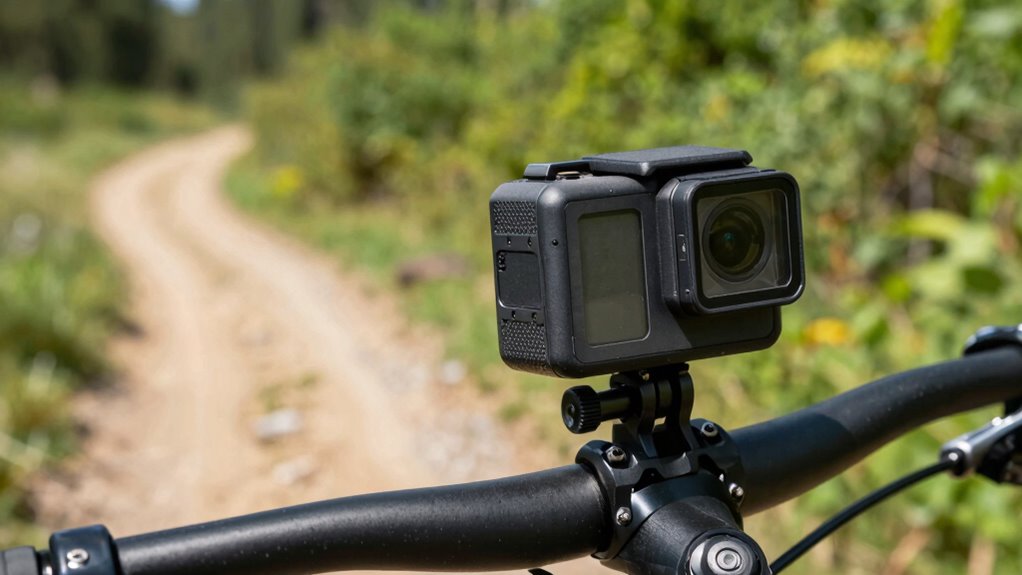

To keep your footage shake-free, choose mounts suited to your activity, like rigid mounts for high-impact sports and flexible ones for dynamic moves. Secure your camera tightly on stable surfaces, use vibration dampening accessories, and practice controlled movements. Adjust camera settings such as frame rate and exposure to enhance stability. Combining these techniques with post-processing stabilization will guarantee smooth, crisp shots—if you stick with it, you’ll discover even more tips nearby.
Key Takeaways
- Use high-quality gimbals and stabilizers to counteract vibrations during active filming.
- Select mounts with shock-absorbing materials and secure attachments to minimize shake.
- Mount cameras on stable surfaces like helmets or handlebars with padding to absorb shocks.
- Practice controlled, steady movements and avoid sudden jerks while filming.
- Fine-tune camera settings such as frame rate and shutter speed, and use post-processing stabilization for extra smooth footage.
Why Stabilizing Your Action Camera Matters for Clear Shots
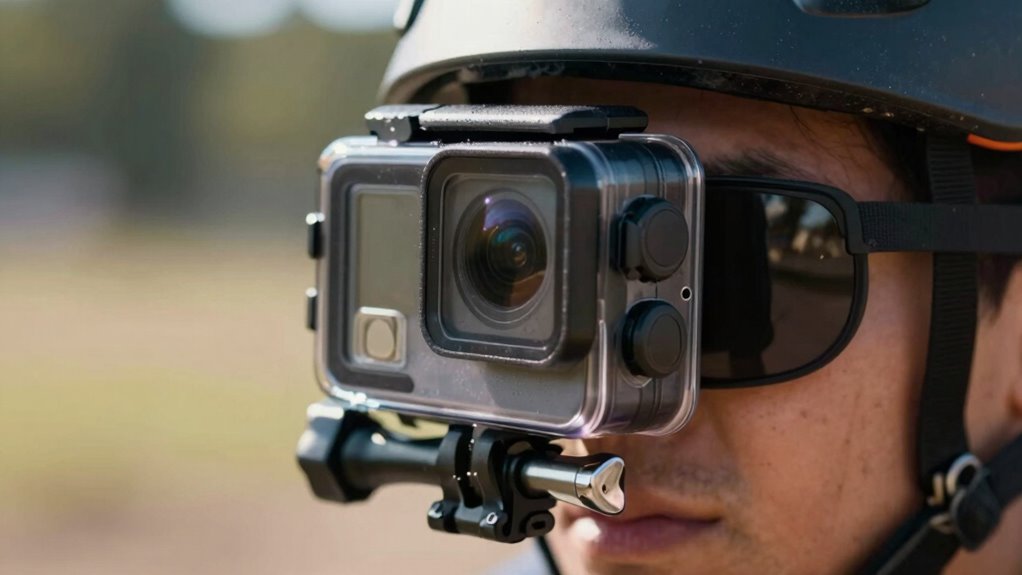
Stabilizing your action camera is vital because shaky footage can ruin even the most exciting shots. Using gimbal technology helps achieve smooth, professional-looking videos by actively counteracting camera movements. Gimbals utilize motors and sensors to stabilize your camera in real-time, ensuring your footage remains steady regardless of your activity. This technology incorporates motion smoothing, which minimizes abrupt jerks and vibrations, delivering fluid motion and sharp images. When you’re on the move—whether mountain biking, surfing, or hiking—stabilization is essential for capturing clear, immersive footage. Advanced stabilization techniques can make a substantial difference in maintaining consistent footage quality during intense activities. Without proper stabilization, even the best scenes can appear jittery and unprofessional. So, investing in equipment with gimbal technology or other stabilization features makes a significant difference in the quality of your action videos. Proper camera stabilization not only enhances visual quality but also boosts viewer engagement by providing a more polished experience. Additionally, understanding motion sensors can help you choose better stabilization devices suited to your specific activities.
How to Choose the Best Mounts for Your Activity
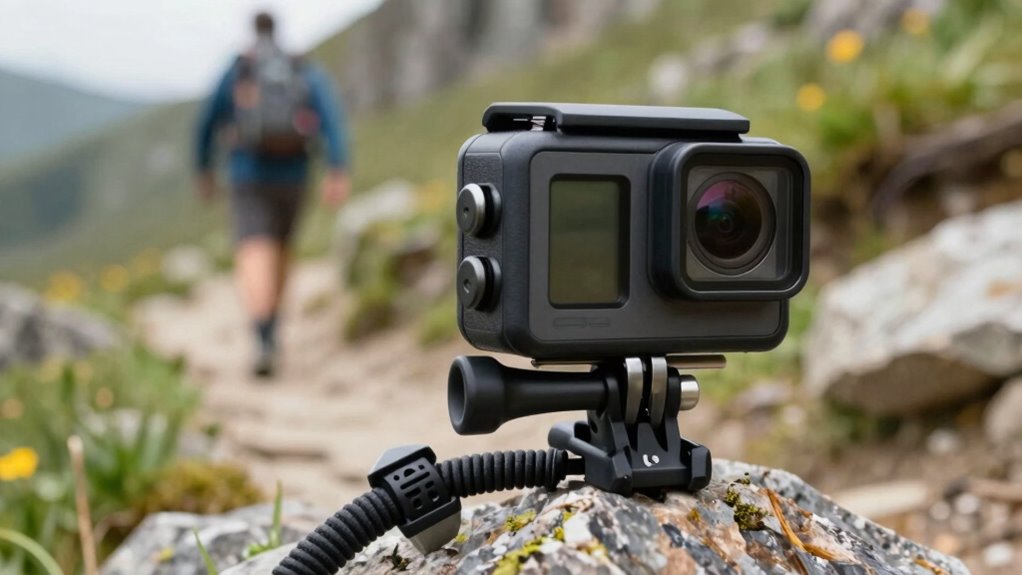
Choosing the right mount depends on your activity and how well it fits your needs. You should consider how stable the mount is during movement to prevent shaky footage. By focusing on activity compatibility and stability factors, you can select mounts that deliver the best results. Additionally, selecting mounts with simple installation can help ensure quick setup and secure attachment during your activities. To further ensure mount stability, look for features like adjustable straps or locking mechanisms that secure the camera firmly. Also, understanding the importance of cookies on websites can guide you in choosing mounts with integrated features that enhance user experience. Recognizing the role of vibration dampening can further assist in selecting mounts that minimize shake and improve footage quality. Incorporating creative storytelling techniques into your footage can also help make your videos more engaging and memorable.
Activity Compatibility Tips
Selecting the right mount for your activity is crucial to capturing smooth, high-quality footage. Think about your mounting surfaces—are you attaching the camera to rough terrain, sleek helmets, or handlebars? The type of surface influences the mount you need, guaranteeing stability and minimal shake. For water-based activities, waterproof cases are indispensable to protect your camera from moisture and impact, allowing you to confidently record underwater or in wet conditions. Consider the environment and movement involved in your activity; rigid mounts work best for high-impact sports, while flexible mounts suit more dynamic, unpredictable motion. Choosing mounts designed specifically for your activity ensures they stay secure and deliver crisp footage, no matter how intense your adventure gets. Additionally, understanding the Free Floating concept helps in selecting mounts that accommodate movement without causing instability or shake, especially in environments where vibration absorption is critical. Incorporating shock-resistant mounts can further enhance stability during rugged rides or off-road excursions, ensuring your footage remains clear and shake-free. Exploring adaptive mounting solutions can also provide extra versatility for various terrains and activities. Moreover, considering adjustability features in mounts can help fine-tune positioning for the best shot and reduce overall shake.
Mount Stability Factors
Ever wondered what makes a camera mount truly stable during your activity? It all comes down to mount design and vibration damping. A well-designed mount minimizes movement by securely holding your camera in place, reducing unwanted shifts. Look for mounts with features like flexible joints or shock-absorbing materials that absorb vibrations. Effective vibration damping is essential to prevent shake and ensure smooth footage, especially during high-impact activities. The right mount should be sturdy enough to withstand your activity’s conditions while maintaining stability. Consider mounts with a low center of gravity and snug fit to your camera. Additionally, understanding connection standards can help you select mounts compatible with your gear for optimal stability. Properly choosing the right mounting accessories can also enhance overall stability and ease of setup. By focusing on these stability factors, you’ll capture clearer, shake-free footage, making your videos look professional and polished.
How to Secure Your Camera Properly to Minimize Shake

To minimize shake and guarantee steady footage, it’s essential to secure your action camera firmly to your mount. Start by choosing the correct mounting angles; positioning your camera at best angles reduces unnecessary movement and helps stabilize your shot. Make sure the camera is tightly fastened using high-quality mounts and straps, avoiding any looseness that could cause vibrations. Incorporate vibration dampening features, such as rubber or foam pads, between the camera and the mount, which absorb shocks and reduce shake. Double-check all attachment points before recording. Properly securing your camera at the right angles and adding vibration dampening materials will considerably improve stability, resulting in cleaner, shake-free footage even during high-motion activities. Additionally, understanding sensor stabilization techniques can further enhance your footage quality by compensating for minor movements during filming. Recognizing the importance of power tool safety principles ensures your equipment remains reliable and prevents mishaps during setup. Using mounting accessories designed specifically for action cameras can also provide extra stability and peace of mind during intense activities. To further optimize your setup, consider practicing proper mounting techniques to ensure maximum security and stability. Employing additional stabilization devices like gimbals can also greatly improve your footage by smoothing out camera movements during dynamic shots.
Top Accessories to Keep Your Footage Steady
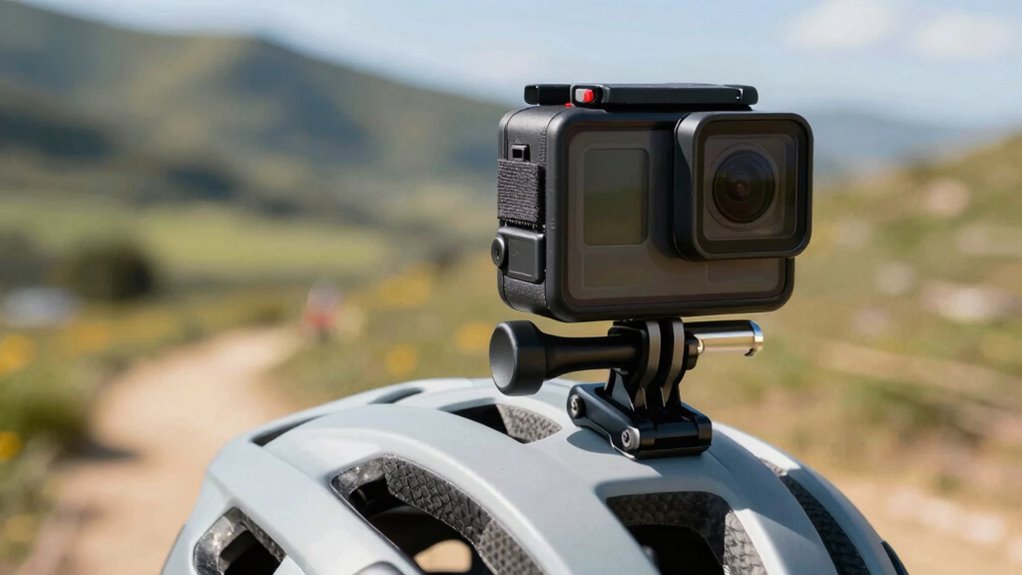
Using the right accessories can make a significant difference in keeping your footage steady during intense activities. Stabilizing mounts, such as gimbal mounts or flexible arm adapters, help maintain smooth footage by absorbing shocks and vibrations. Choosing accessories with versatile mounting angles allows you to find the ideal position for minimizing shake and capturing the best perspective. Compatibility is also essential—ensure that your accessories fit your camera model and mounting system securely. Quick-release mounts and multi-directional adapters give you flexibility to adjust angles on the fly, reducing unwanted movement. Investing in quality accessories designed for stability ensures your footage remains crisp, even during rapid movements. Proper mounting techniques and accessory compatibility are key to achieving professional-looking, shake-free footage every time. Additionally, selecting accessories made from durable materials can prevent unwanted vibrations caused by equipment wear or rough handling. Incorporating shock absorption features into your setup can further enhance stability and footage quality. Being aware of vibration reduction methods can help you optimize your setup for the smoothest possible results. Using anti-vibration mounts can also significantly improve the overall footage quality during high-impact activities.
Tips for Mount Placement to Reduce Vibration
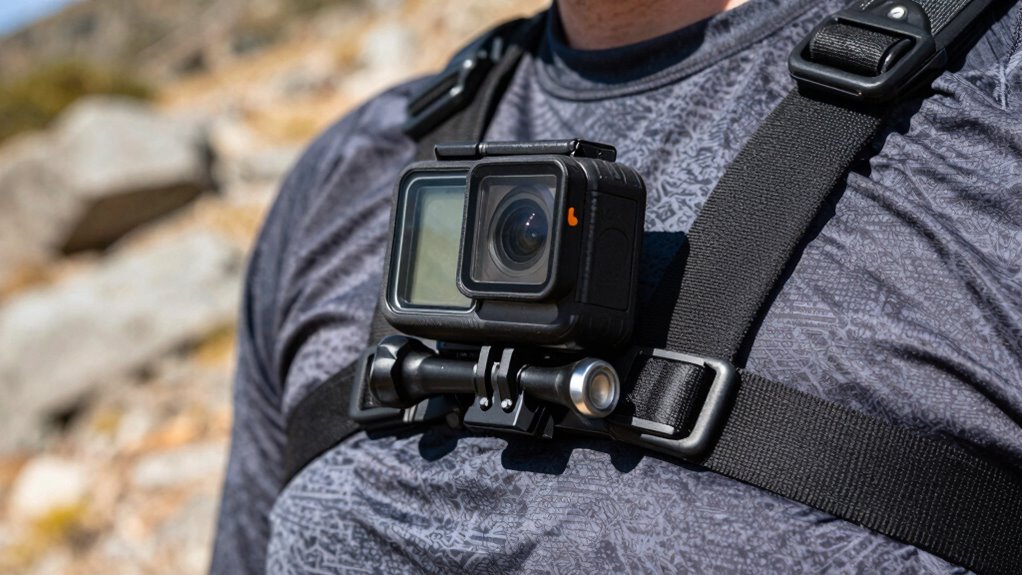
Proper placement of your action camera mount plays a vital role in reducing vibrations and guaranteeing smooth footage. To achieve effective vibration reduction, position your mount on parts of your gear that experience less impact, such as the center of a helmet or a stabilized handlebar. Avoid mounting on areas prone to excessive movement, like flexible or loose surfaces. Keep the mount as close to the main frame as possible to minimize shock transfer. Using flat, stable surfaces helps dampen vibrations, preventing shaky footage. If your setup allows, consider adding rubber or foam padding between the mount and the surface to absorb shocks. Proper mount placement ensures vibrations don’t travel directly to the camera, resulting in clearer, shake-free footage.
Adjust Camera Settings for Smoother Footage
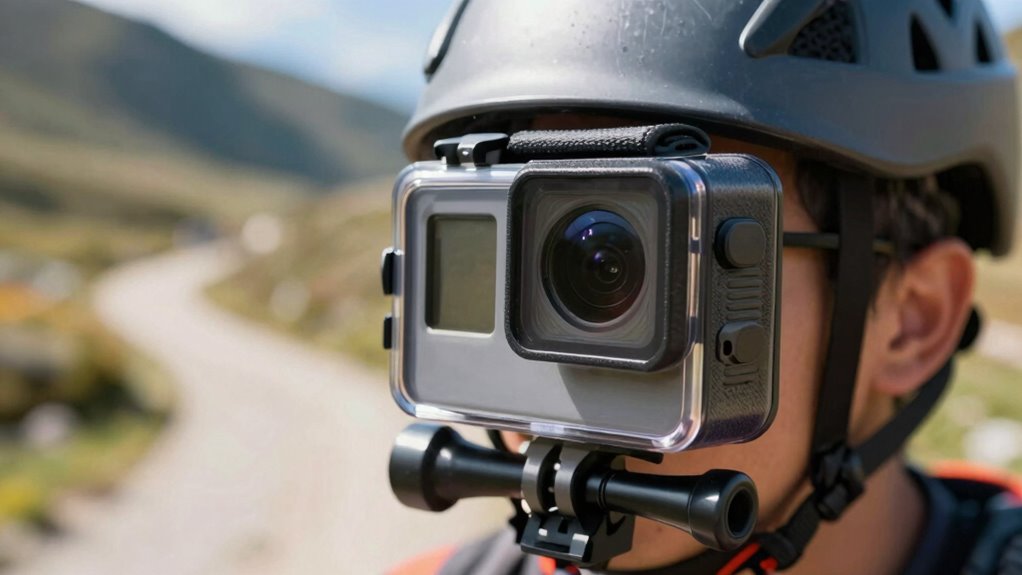
To get smoother footage, you should start by using manual exposure settings to control brightness and avoid flickering. Adjusting frame rate settings can also make your videos look more stable and professional. Don’t forget to optimize shutter speed to match your action for clearer, more fluid shots.
Use Manual Exposure Settings
Adjusting your camera’s manual exposure settings allows you to control how bright or dark your footage appears, which is crucial for capturing smooth, professional-looking videos. By customizing manual exposure, you can better manage light intake and reduce unwanted flickering. Focus on these key aspects:
- Set the shutter speed to match your movement—faster for quick actions, slower for steady scenes.
- Use manual exposure to balance brightness without overexposing or underexposing shots.
- Experiment with ISO settings to optimize image quality in different lighting conditions.
- Adjust aperture if available, to control depth of field and light entry.
Mastering manual exposure and shutter speed helps maintain consistent footage, especially during dynamic activities, ensuring smooth, shake-free results.
Adjust Frame Rate Settings
Choosing the right frame rate is vital for capturing smooth footage, especially during fast-paced or dynamic activities. Your camera lens plays a key role in recording clear, fluid motion, so selecting an appropriate frame rate ensures your footage remains steady and professional-looking. Higher frame rates, like 60 or 120 fps, are ideal for capturing fast movements without choppiness, making your action shots look seamless. If you’re using a waterproof casing, double-check that your camera settings are compatible and won’t interfere with the casing’s sealing, preventing water from affecting your footage. Adjusting your frame rate properly helps you avoid jerky or stuttered results, providing smooth, high-quality videos regardless of your environment or activity level.
Optimize Shutter Speed
Optimizing shutter speed is essential for capturing smooth, professional-looking footage, especially during fast movements. When you adjust your shutter speed, you control how much motion blur appears in your shots. A faster shutter speed reduces motion blur, making quick actions appear sharp and clear. Conversely, a slower shutter speed increases motion blur, which can create a sense of motion but may cause shakiness. To get it right, consider these tips:
- Use a shutter speed at least double your frame rate for natural motion.
- Increase shutter speed for high-speed activities like biking or running.
- Decrease shutter speed in low light to maintain proper exposure.
- Balance shutter speed and aperture to avoid overexposed or underexposed footage.
Adjusting shutter speed helps you achieve precisely the smoothness and clarity you want.
Common Mistakes Causing Shaky Video and How to Avoid Them
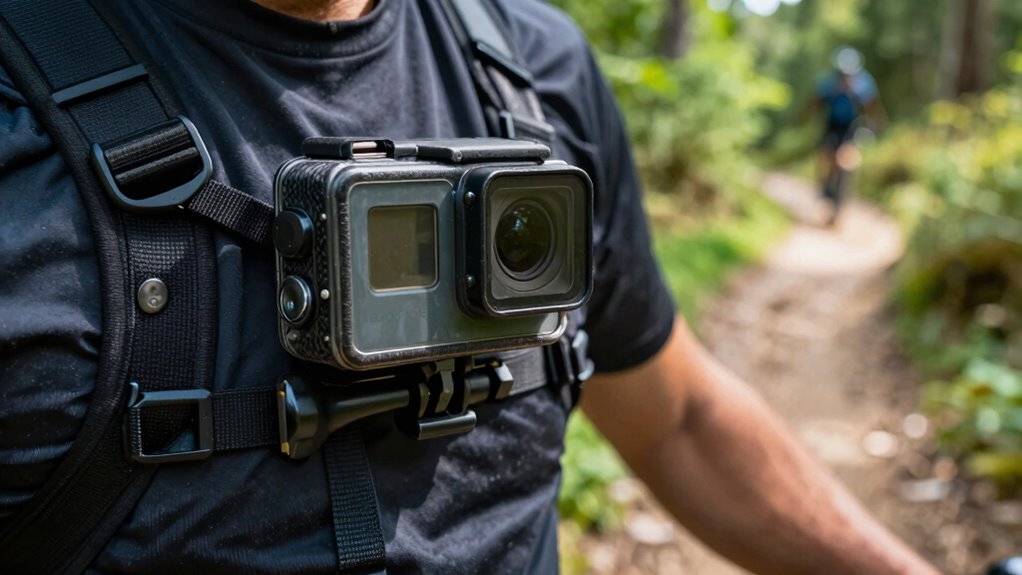
One of the biggest reasons for shaky footage is improper mounting or handling of the camera. Incorrect mounting angles can cause unnecessary movement, making your shots unstable. Always make certain your camera is mounted at a position that minimizes movement while capturing the desired perspective. Additionally, ignoring the camera’s weight can lead to fatigue or unintended jostling, especially during long shoots. Use mounts that support the camera’s weight properly, and avoid over-tightening or loosening mounts, which can cause vibrations. Holding the camera with shaky hands or sudden movements also contributes to instability. To avoid this, secure your camera firmly, double-check all attachments, and maintain a steady stance. Proper mounting and handling are vital for smooth, shake-free footage.
Which Mounts Deliver the Steadiest Action Camera Shots
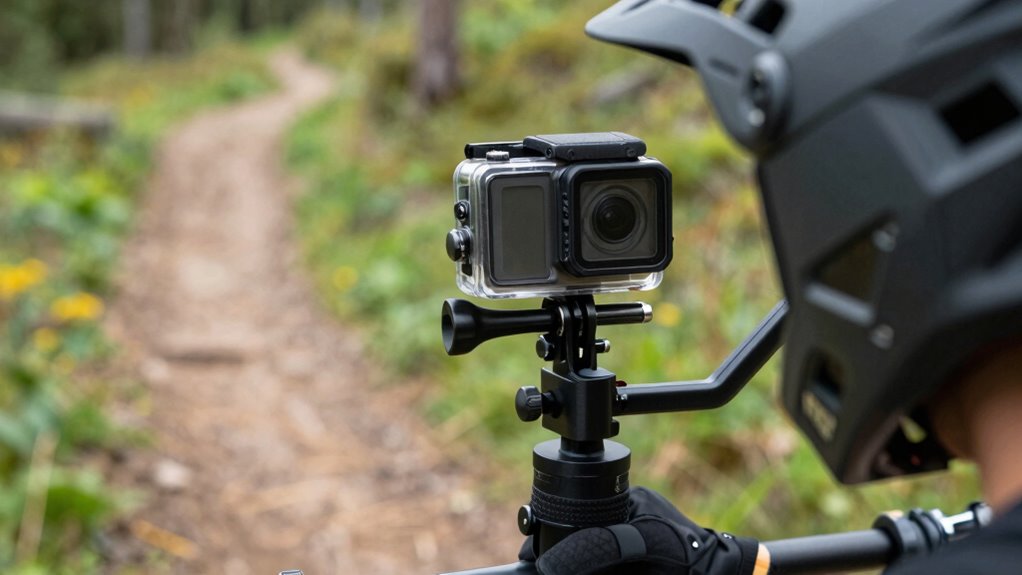
The best mounts for delivering steady action camera shots are those specifically designed to minimize vibrations and absorb shocks. These mounts excel at controlling vibration damping and offer versatile mounting angles to suit your activity. To achieve the smoothest footage, consider:
- Gimbal mounts with advanced vibration damping that stabilize your camera regardless of terrain.
- Chest or body mounts that reduce shake through secure, close-to-body positioning.
- Helmet mounts with adjustable angles for ideal framing and minimal vibrations.
- Handlebar or pole mounts featuring shock absorption to dampen vibrations from rough surfaces.
Post-Processing Tips to Stabilize Your Footage
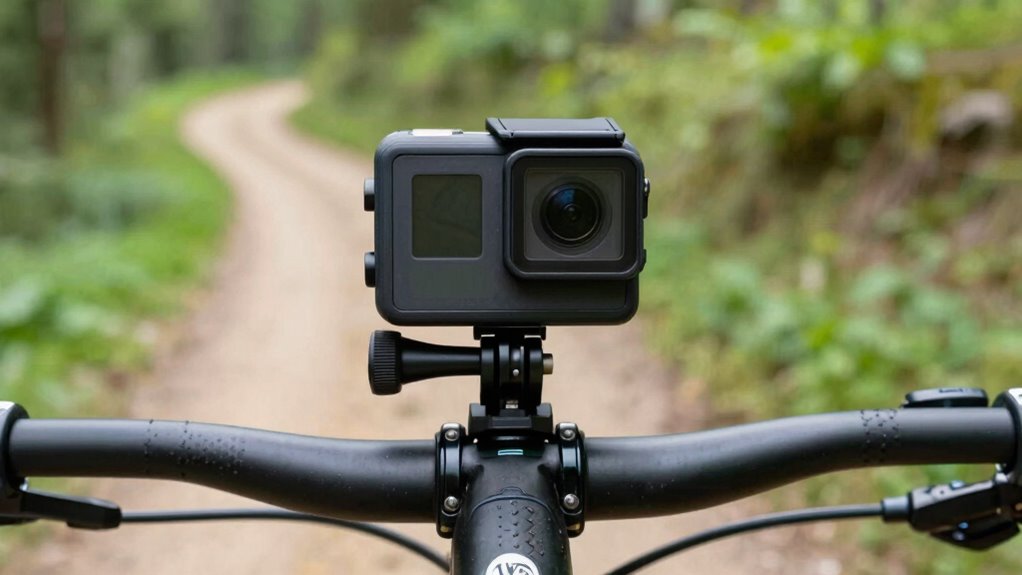
Once you’ve captured your footage, you can enhance stability with the right software options, like Premiere Pro or Final Cut Pro. Adjusting your frame rate can also smooth out shaky scenes, while color correction techniques can improve overall clarity. Exploring these post-processing tips helps ensure your footage looks polished and professional.
Stabilization Software Options
Are shaky footage and unwanted camera movements ruining your shots? Luckily, stabilization software can help clean up your footage post-capture. You can enhance stability using tools that employ gimbal stabilization algorithms or optical flow techniques. Here are some options to contemplate:
- Adobe Premiere Pro – Uses Warp Stabilizer to smooth out shaky clips effectively.
- Final Cut Pro – Offers built-in stabilization with advanced optical flow processing.
- DaVinci Resolve – Provides powerful stabilization options, including gimbal-like smoothing.
- Mercalli – Specializes in post-processing stabilization, ideal for shaky footage.
These options allow you to refine your footage, making it look more professional. Gimbal stabilization during filming combined with optical flow-based stabilization in post-processing delivers the best results for shake-free footage.
Frame Rate Adjustments
Adjusting your footage’s frame rate during post-processing can substantially enhance stability and smoothness. When working with footage shot through a camera lens inside a waterproof casing, reducing the frame rate can help smooth out shaky movements. For example, lowering from 60 fps to 30 fps minimizes rapid flickering and jitter, making the video appear more stable. This technique is especially useful if your original footage was captured in challenging conditions or with a shaky mount. Keep in mind, though, that decreasing frame rate may slightly diminish overall sharpness. Use stabilization software to complement frame rate adjustments for ideal results. By fine-tuning your frame rate, you guarantee your footage remains fluid, even if your camera’s waterproof casing introduces minor vibrations during action shots.
Color Correction Techniques
Color correction is essential for making your footage look more stable and professional, especially when dealing with shaky or inconsistent shots. Proper color grading and LUT application can enhance the overall quality and hide minor imperfections. To improve your footage:
- Use color grading to balance exposure, contrast, and color tones for a consistent look.
- Apply LUTs to quickly achieve a specific style or mood, making footage appear more polished.
- Adjust shadows, midtones, and highlights to stabilize color discrepancies caused by camera shake.
- Fine-tune saturation and vibrancy to ensure colors look natural and cohesive.
These techniques help create a cohesive visual flow, making shaky footage appear more intentional and less distracting. With thoughtful color correction, your footage will look cleaner, more stable, and more professional.
Final Tips for Consistently Capturing Shake-Free Videos
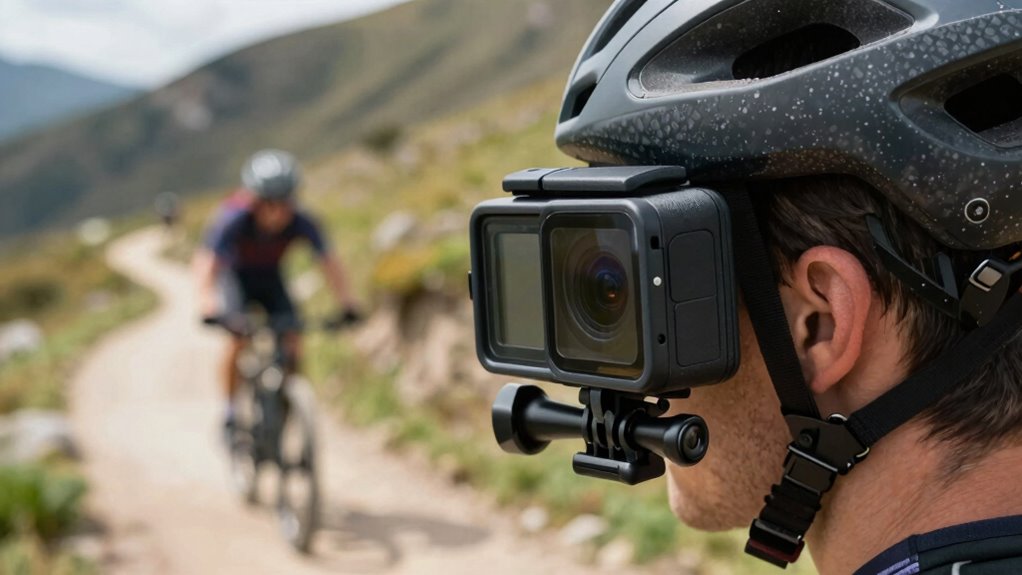
To guarantee your videos stay smooth and shake-free, focus on stabilizing your camera setup and using proper mounting techniques. Invest in quality camera accessories like gimbals or stabilizers that help reduce movement. Before filming, double-check your mounts for tightness and security, ensuring they won’t loosen during activity. Incorporate effective filming techniques, such as keeping your movements controlled and avoiding sudden jerks. Practice steady pacing and maintain a consistent distance from your subject to minimize camera shake. Additionally, consider using anti-vibration mounts and adjusting your camera’s settings for ideal stabilization. Consistently applying these tips will improve your footage’s clarity and smoothness, making your videos look professional and polished. Remember, a stable setup and mindful filming are key to shake-free results.
Frequently Asked Questions
Can I Use a Gimbal With My Action Camera?
Yes, you can use a gimbal with your action camera, but you should verify its compatibility first. Many gimbals are designed for specific sizes and weights, so make certain yours can handle your camera’s weight without sacrificing stabilization. Keep in mind that some action cameras are lightweight and compact, making them ideal for gimbals, but always confirm compatibility and weight considerations to achieve smooth, shake-free footage.
How Does Camera Weight Affect Stability During Recording?
Your camera’s weight is like the keel of a ship—affecting its stability during recording. Heavier cameras can be harder to balance, making smooth footage more challenging. To improve stability, focus on proper camera balance and weight distribution, ensuring the camera’s weight is evenly distributed. A well-balanced setup minimizes shake and keeps your footage steady, no matter how intense your activity gets.
Are There Specific Mounts for High-Impact Sports?
Yes, there are specific mounts designed for high-impact sports that guarantee mount compatibility and feature vibration dampening. These mounts are built to absorb shocks and reduce vibrations, giving you stable footage even during intense activities. Look for mounts with robust locking mechanisms and shock-absorbing materials to keep your camera secure and steady. Choosing the right mount helps you capture clear, shake-free footage, no matter how rough the sport gets.
What Is the Best Way to Prevent Lens Vibration?
To prevent lens vibration, you should prioritize lens stabilization and vibration reduction features on your camera. Use mounts with built-in shock absorption, and consider adding a gimbal or stabilizer for extra support during high-impact activities. Keep your camera steady by holding it firmly or anchoring it to a secure mount. Regularly check and tighten mounts to avoid unnecessary movement, ensuring your footage stays smooth and shake-free.
How Often Should I Check and Tighten Mounts During Filming?
You should check and tighten your mounts at regular intervals—think of it as a thrilling game of “spot the loose screw.” A good rule of thumb is to perform a mount inspection every 30 minutes during filming. This tightening schedule ensures your camera remains stable, preventing unwanted shakes. Stay vigilant, tighten as needed, and enjoy smooth, shake-free footage without turning your shoot into a maintenance marathon.
Conclusion
To capture footage as smooth as glass, think of your action camera as a dancer on a wobbly stage—you’re the steadying hand. By choosing the right mounts, securing them tightly, and placing them wisely, you’re guiding your camera through chaos to find clarity. Remember, every shake is a ripple in your story; with these tricks, you’ll keep your footage crisp and steady, turning every adventure into a masterpiece that won’t wobble under pressure.