
To make sense of watt-hours without guessing, focus on understanding that they show how much energy a device can store or use over time. Higher watt-hours mean more energy and longer runtimes. To estimate how long a device will run, divide the battery’s watt-hours by its power consumption. Keep in mind that factors like efficiency, temperature, and age affect actual performance. If you want to get a clearer picture, there’s more to discover.

Get sports gear delivered free with Prime
- Fast, free delivery on millions of items
- Prime Video, Amazon Music and more included
- Member-only deals all year
Key Takeaways
- Understand watt-hours as a measure of total energy, not just instantaneous power, to assess battery capacity accurately.
- Compare watt-hour ratings directly to gauge how long a battery can power a device.
- Factor in device power consumption to estimate runtime from watt-hour capacity reliably.
- Account for efficiency losses, temperature, and age, which can reduce actual usable energy.
- Use manufacturer specs and real-world testing to validate watt-hour estimates without guessing.
Understanding watt-hours can seem confusing at first, but grasping this unit is pivotal for managing your energy consumption effectively. When you understand what watt-hours represent, you get a clearer picture of how much energy your devices use and how long they can run on a given power source. This knowledge helps you avoid guesswork and make smarter decisions about energy use, especially when dealing with batteries and portable power solutions.
Understanding watt-hours helps you manage device energy use and extend battery life effectively.
Watt-hours measure the amount of energy a device consumes or stores over time. Think of it as the total work your device can do or the energy stored in a battery. To accurately interpret watt-hours, you need to understand how they relate to battery efficiency and energy calculation. Battery efficiency tells you how well a battery converts stored energy into usable power. Not all batteries operate at 100% efficiency, so a 100-watt-hour battery might not always deliver a full 100 watt-hours of usable energy. Some energy is lost as heat or during the charging process, which is why understanding battery efficiency is vital for precise energy calculation.
When you look at a device or battery specification, the watt-hour rating gives you a straightforward way to compare energy capacities. For example, if one battery provides 50 watt-hours and another offers 100 watt-hours, the latter can power your device twice as long, assuming similar efficiency and power draw. To make sense of these numbers, you should consider both the watt-hour capacity and the device’s power consumption rate. If your device consumes 10 watts, a 50-watt-hour battery will last about five hours, while a 100-watt-hour battery should last around ten hours. Additionally, understanding the applications of watt-hours can help you optimize your energy management for various devices and scenarios.
However, real-world conditions matter. Battery efficiency varies based on temperature, age, and how you use your device. So, for accurate energy calculation, you need to factor in these variables. This means that if your battery isn’t operating at peak efficiency, you might get less runtime than the watt-hour rating suggests. To avoid guessing, always check the manufacturer’s specifications and consider practical testing if possible. This way, you can determine how long your batteries will truly last, avoiding surprises when you rely on them in critical situations. Being aware of battery aging can also inform you when it might be time to replace or upgrade your batteries for better performance. Recognizing how temperature impact affects battery efficiency can further improve your estimates and help you extend your devices’ runtime.
Products Worth Considering

Garmin Instinct 3 Solar Rugged GPS Smartwatch, 45 mm, Black

Garmin Instinct E Rugged GPS Smartwatch, 45 mm, Charcoal

Therabody SmartGoggles 2nd Gen Heated Eye and Temple Massager
As an affiliate, we earn on qualifying purchases.
Frequently Asked Questions
How Do Watt-Hours Relate to Energy Efficiency?
Watt-hours relate to energy efficiency by showing how much energy a device consumes over time. Lower watt-hour usage indicates better energy savings because it means the device uses less power for the same task. By monitoring watt-hours, you can identify which appliances have high power consumption and adjust usage accordingly, ultimately improving energy efficiency and reducing your overall energy costs.
Can Watt-Hours Be Converted to Other Units Easily?
Converting watt-hours is like translating between languages—you can easily switch to other units. To convert watt-hours to joules, multiply by 3,600. For kilowatt-hours, divide by 1,000. This helps you understand energy storage and power consumption better. Knowing these conversions enables you to compare energy use across devices or plan energy needs accurately, making energy management straightforward and efficient.
What Tools Are Best for Measuring Watt-Hours?
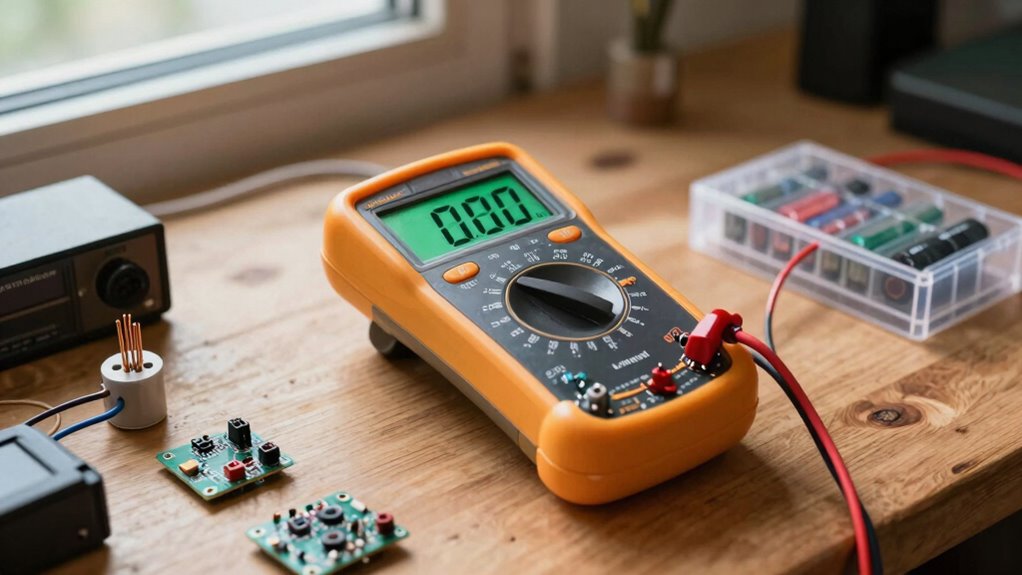
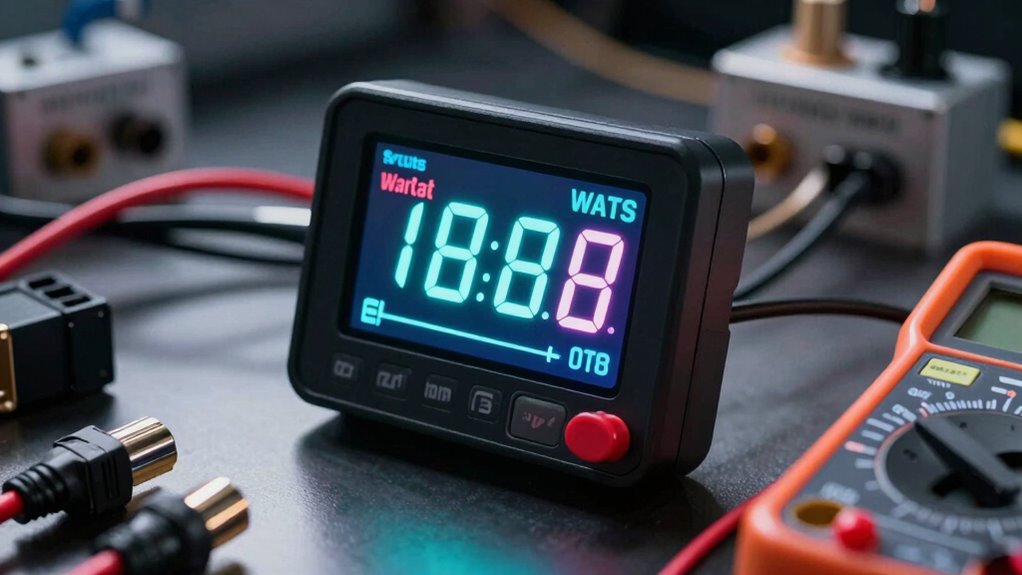
You should use a watt-hour meter or a digital multimeter with energy measurement capabilities to measure watt-hours accurately. These tools help you determine battery capacity and monitor power consumption over time. A watt-hour meter is especially useful for measuring total energy used by appliances or batteries, providing precise readings. By choosing the right device, you gain clear insights into energy usage, making it easier to manage your power needs effectively.
How Do Watt-Hours Impact Battery Life?
Watt-hours directly impact your battery life by reflecting the battery’s capacity and the device’s power consumption. Higher watt-hours mean longer usage before recharging, as your battery stores more energy. If your device consumes more power, it drains the watt-hours faster, reducing battery life. To maximize your device’s run time, choose batteries with higher watt-hours and monitor your power consumption to prevent unnecessary draining.
Are Watt-Hours the Same Across Different Appliances?
Watt-hours aren’t the same across different appliances because they depend on each device’s power consumption and usage time. When doing an appliance comparison, consider each appliance’s watt-hour rating for accurate consumption estimation. This helps you understand how much energy each uses, making it easier to compare their efficiency and plan your energy needs. Always check watt-hour details to get precise insights into each appliance’s energy use.
Conclusion
Now that you understand watt-hours better, you’ll be able to compare energy usage more confidently. Did you know that a typical smartphone battery uses about 10 watt-hours per full charge? That means if you’re trying to save energy, you can easily track how many charges your device gets from your power bank or home system. With this knowledge, you’re empowered to make smarter decisions about your energy consumption every day.