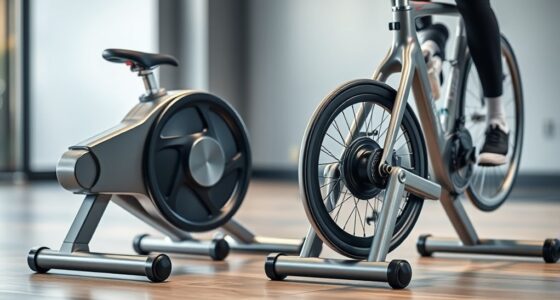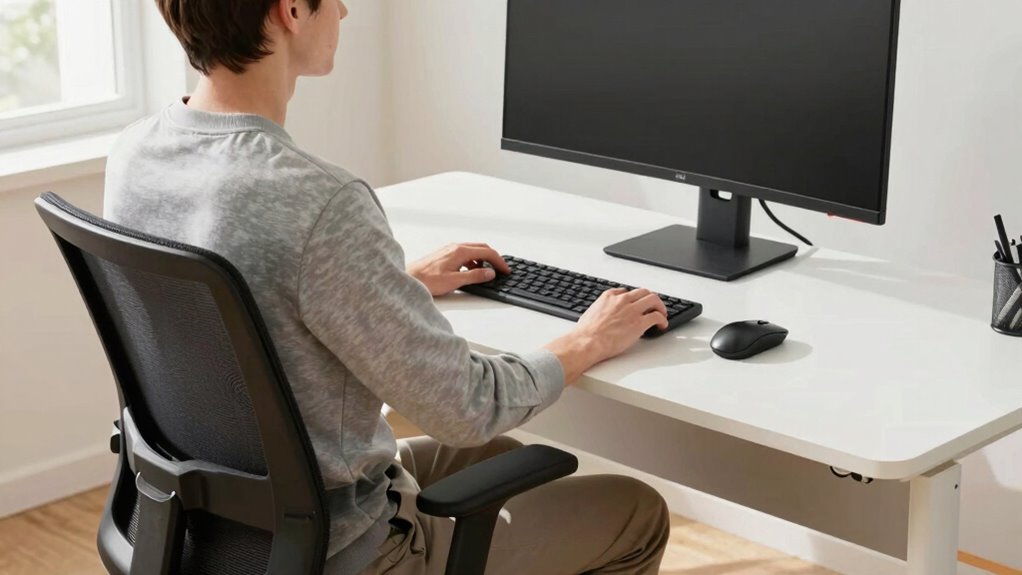

To stop neck pain on your trainer, focus on maintaining proper ergonomics. Keep your monitor at eye level, your back straight with natural curves, and shoulders relaxed. Adjust your bike height so your hips stay level and your neck stays aligned. Take regular breaks, shift positions, and use supportive accessories if needed. Proper setup and posture help prevent strain, and you’ll find simple tweaks that make a big difference as you follow these tips.
Key Takeaways
- Adjust your monitor to eye level to prevent neck tilting and maintain neutral head alignment.
- Ensure your chair supports lumbar curvature and keep feet flat for proper posture.
- Take regular breaks to stretch neck, shoulders, and back muscles to reduce strain.
- Set the trainer handlebar height to keep your neck and shoulders relaxed during cycling.
- Incorporate ergonomic accessories like wrist rests and sit-stand desks for optimal comfort and posture.
Why Poor Ergonomics Causes Neck Pain During Training?

Poor ergonomics during training can directly contribute to neck pain because improper posture puts unnecessary strain on your neck muscles and cervical spine. When you neglect posture awareness, you often hunch forward or crane your neck, leading to increased neck tension. This sustained misalignment causes muscles to tighten and fatigue quickly, resulting in discomfort or pain. Without proper ergonomic setup, your neck bears the brunt of poor positioning, especially during prolonged training sessions. Maintaining awareness of your posture helps prevent these issues by encouraging you to keep your head aligned with your spine and your shoulders relaxed. Recognizing how posture impacts your neck can empower you to make adjustments, reducing strain and preventing chronic neck pain caused by poor ergonomics. Additionally, incorporating ergonomic principles into your training routine can optimize comfort and support long-term neck health.
How to Spot Posture Problems While Working Out?
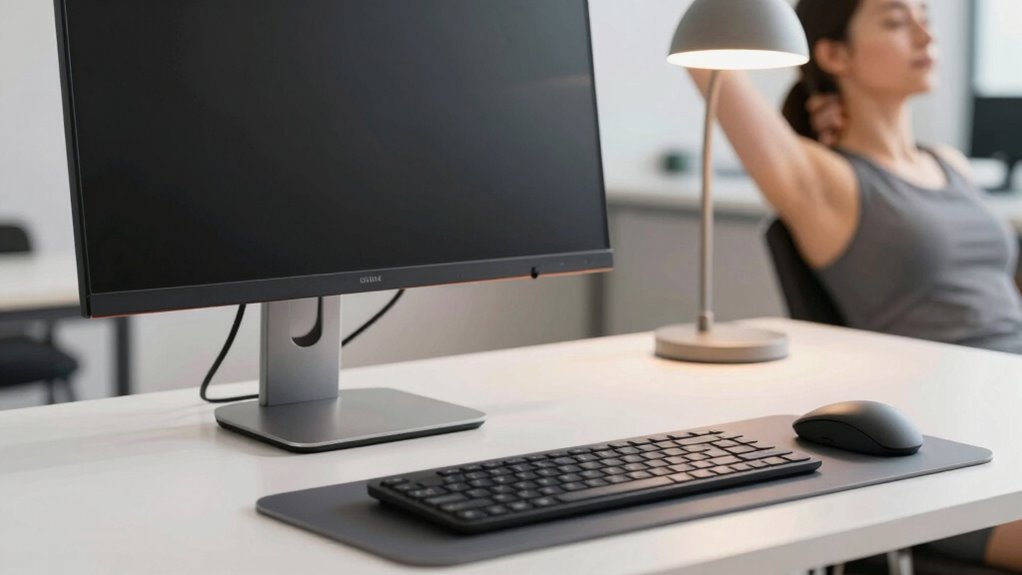
To spot posture problems while working out, start by watching your neck alignment—if it tilts or strains, that’s a warning sign. Check your shoulder position; rounded or uneven shoulders can lead to injury. Also, keep an eye on your back’s natural curve—any excessive arch or flattening indicates poor posture. Being mindful of body mechanics during your workout can help prevent long-term issues. Understanding posture assessment techniques can further enhance your awareness and correction efforts. Paying attention to Rhythm Failure principles in your movements can promote better posture and reduce discomfort over time, especially since proper styling and movement flow are essential for maintaining optimal posture.
Observe Neck Alignment
When checking your neck alignment during a workout, it’s essential to pay close attention to how your head sits in relation to your shoulders. Focus on your neck angle, ensuring it’s neither overly flexed nor extended. Your head position should be neutral, with your ears aligned over your shoulders, not jutting forward or tilting to one side. A misaligned neck often results in tension and discomfort, so keep your chin slightly tucked and your gaze forward. Regularly observe whether your neck feels relaxed or strained. If you notice your head shifting forward or your neck bending unnaturally, pause and correct your posture immediately. Maintaining proper neck alignment helps prevent pain and promotes better overall form during your workout. Being aware of ergonomic principles can further enhance your posture and reduce the risk of strain.
Check Shoulder Position
Ever wonder how to quickly spot if your shoulders are misaligned during a workout? Look for signs of shoulder tension, like tightness or unevenness. When your shoulders are misaligned, one might sit higher or lower than the other, or appear rounded forward. Check your shoulder mobility by raising your arms overhead; restricted movement or discomfort indicates poor mobility. Also, pay attention to whether your shoulders feel stiff or strained after exercise. Proper shoulder position involves relaxed, level shoulders with smooth movement. If you notice tension or limited mobility, adjust your posture by relaxing your shoulders and engaging your back muscles. Regularly checking your shoulder position helps prevent strain and promotes better form, ensuring you stay pain-free and maintain ideal posture during workouts. Being mindful of posture correction techniques can further enhance your ergonomic habits and prevent future discomfort, especially since good posture is linked to overall musculoskeletal health.
Monitor Back Curvature
Monitoring your back curvature during workouts is essential for spotting posture issues early. A healthy monitor back curvature indicates you’re maintaining proper spinal alignment, which is key to preventing neck pain. Use these tips to stay on track:
- Check if your lower back maintains its natural inward curve; avoid slouching or overarching.
- Ensure your ergonomic seat design supports your lumbar region comfortably.
- Look for signs of rounded shoulders or excessive forward head posture.
- Use mirrors or feedback tools to observe your back’s shape regularly.
- Incorporate posture correction techniques to maintain optimal spinal alignment throughout your workout.
- Stay informed about electric bike features and tools that can help improve your posture and prevent discomfort.
- Be aware of how contrast ratio influences visual cues for correct posture, especially when using screens or mirrors during training.
Simple Adjustments to Your Training Desk for Better Posture
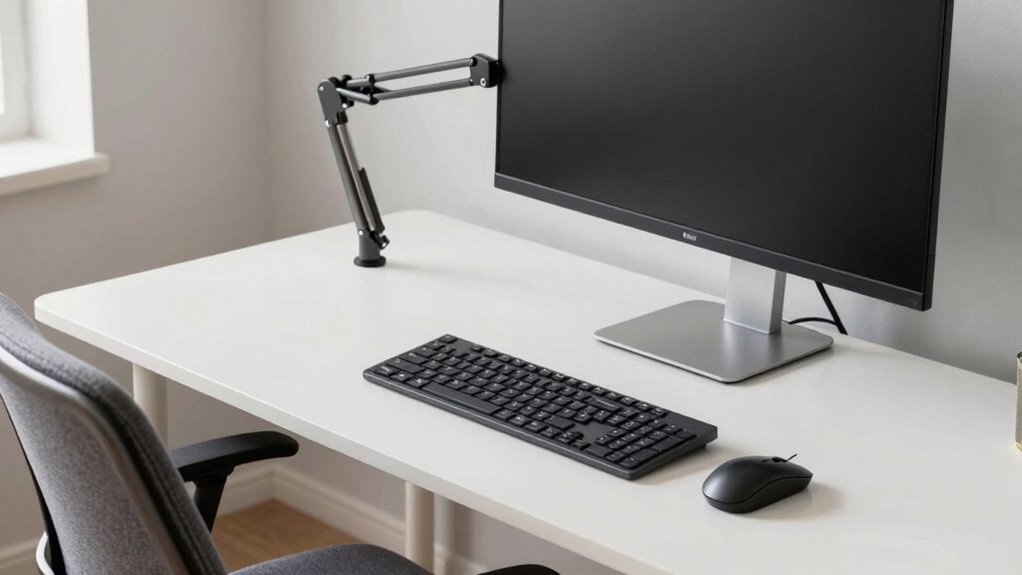
Adjusting your training desk can considerably improve your posture and reduce discomfort during long sessions. Start by ensuring your desk lighting is adequate; proper lighting reduces eye strain and encourages you to sit upright. Position your light source to minimize glare on your screen and prevent leaning forward. Next, set your chair height so your feet rest flat on the floor, and your knees are at a 90-degree angle. Your hips should be slightly higher than your knees, supporting a natural spine curve. Keep your monitor at eye level to avoid neck strain, and make small desk adjustments to keep your shoulders relaxed. These simple tweaks promote better posture, prevent neck pain, and make your training sessions more comfortable and productive. Additionally, home energy considerations like proper lighting setup can help create an ergonomic workspace that minimizes strain.
Must-Have Equipment for an Ergonomic Training Station
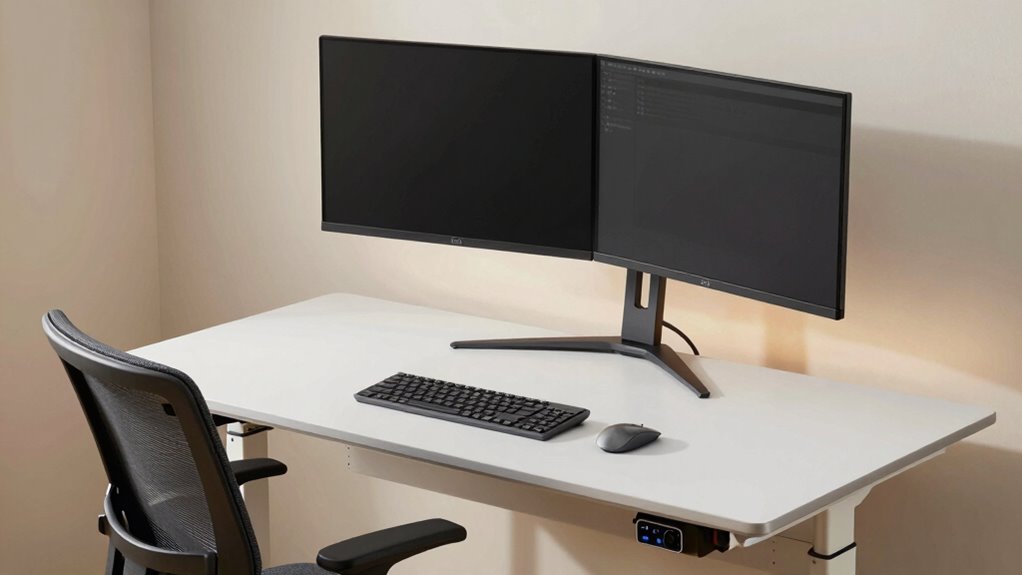
To create an ergonomic training station, you need essential equipment that supports proper posture and reduces strain. Proper desk placement is vital—you want your monitor at eye level and your keyboard within easy reach. To enhance comfort, consider these ergonomic accessories:
- An adjustable monitor stand to align your screen correctly.
- A supportive, cushioned wrist rest to prevent strain during workouts.
- An ergonomic keyboard and mouse to promote natural hand positioning.
- An adjustable desk or sit-stand converter to vary your posture throughout your session.
- Incorporating ergonomic accessories can further help maintain proper body alignment and prevent discomfort during training.
These tools help maintain ideal desk placement and support your body’s natural alignment. Investing in ergonomic accessories ensures you stay comfortable, focused, and free from neck pain during training.
Tips to Maintain Good Posture During Your Workout
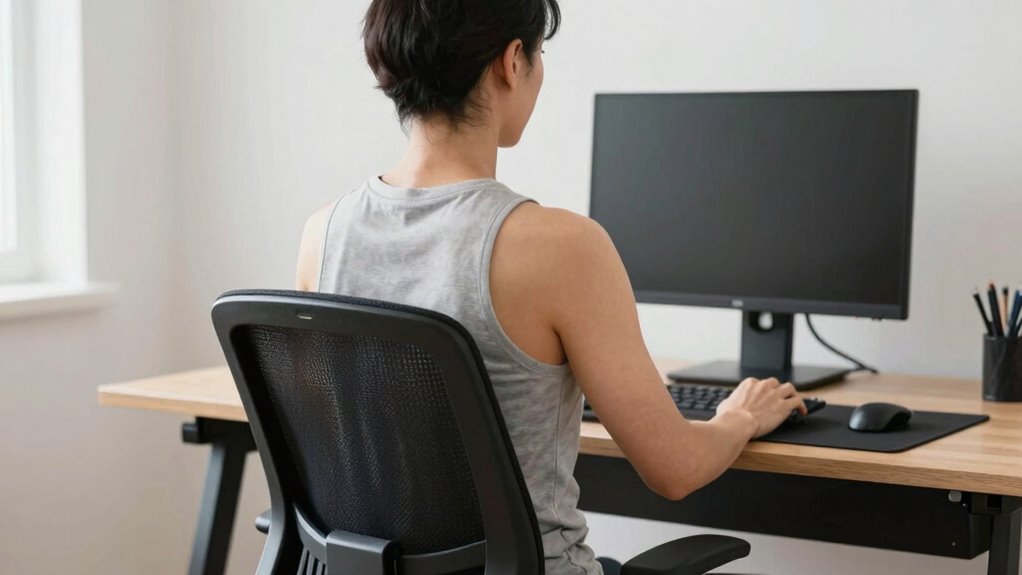
To keep your posture in check during your workout, focus on maintaining a neutral spine alignment at all times. Make sure to adjust your bike settings properly so you’re not straining your neck or back, and remember to take regular breaks to stretch and reset. These simple steps help you stay comfortable and prevent injuries while staying active. Additionally, being mindful of posture awareness during your workout can help you make smarter adjustments and avoid long-term discomfort. Incorporating ergonomic principles into your routine can further enhance your comfort and prevent strain. Practicing proper alignment can also contribute significantly to reducing neck pain and ensuring a safer workout experience. Paying attention to air quality in your workout environment can also improve your overall well-being and performance. Moreover, understanding ergonomic design principles can guide you in selecting equipment that supports better posture and reduces fatigue.
Maintain Neutral Spine Alignment
Maintaining a neutral spine during your workout is essential for preventing injury and ensuring proper muscle engagement. When your spine stays aligned, you reduce strain on your neck and back, while promoting core activation. To keep good posture:
- Focus on your breathing techniques—deep, controlled breaths help stabilize your spine.
- Engage your core muscles to support your back and maintain alignment.
- Keep your shoulders relaxed and down, avoiding hunching.
- Regularly check your head position, ensuring it’s in line with your spine rather than jutting forward.
- Incorporate spinal alignment techniques into your routine, as proper posture is crucial for long-term health and performance.
Adjust Bike Settings Properly
Properly adjusting your bike settings is essential for maintaining good posture and preventing strain during your workout. Start by setting your bike saddle at the right height—your hips should stay level when pedaling, and your knees should be slightly bent at the bottom of each stroke. Adjust the handlebar height so it’s comfortable; a higher handlebar reduces forward lean and relieves neck tension, while a lower one increases engagement but may cause discomfort. Confirm the saddle and handlebars are aligned to support a natural riding position. Take the time to fine-tune these settings before you start, as improper adjustments can lead to neck, back, or shoulder pain. Proper setup keeps you comfortable and helps you maintain good posture throughout your workout. Additionally, utilizing adaptive lighting or screen adjustments on your device can reduce eye strain and support better neck ergonomics during your training session.
Take Regular Breaks
Taking regular breaks during your workout is key to preventing fatigue and muscle strain. These pauses help you reset your posture awareness and reduce tension. During breaks, consider these tips:
- Stand up and stretch your neck, shoulders, and back to release built-up tension.
- Use ergonomic accessories, like a supportive chair cushion or adjustable desk, to improve comfort during breaks.
- Shift your position periodically to avoid staying in one posture too long.
- Take deep breaths to relax your muscles and refresh your focus.
- Incorporate posture awareness techniques to better recognize and correct misalignments during your workout. Understanding ergonomic principles can further enhance your comfort and prevent strain. For added stability, choosing the right wood type for your ergonomic accessories can also enhance comfort and support.
Common Mistakes That Lead to Neck Strain: And How to Avoid Them
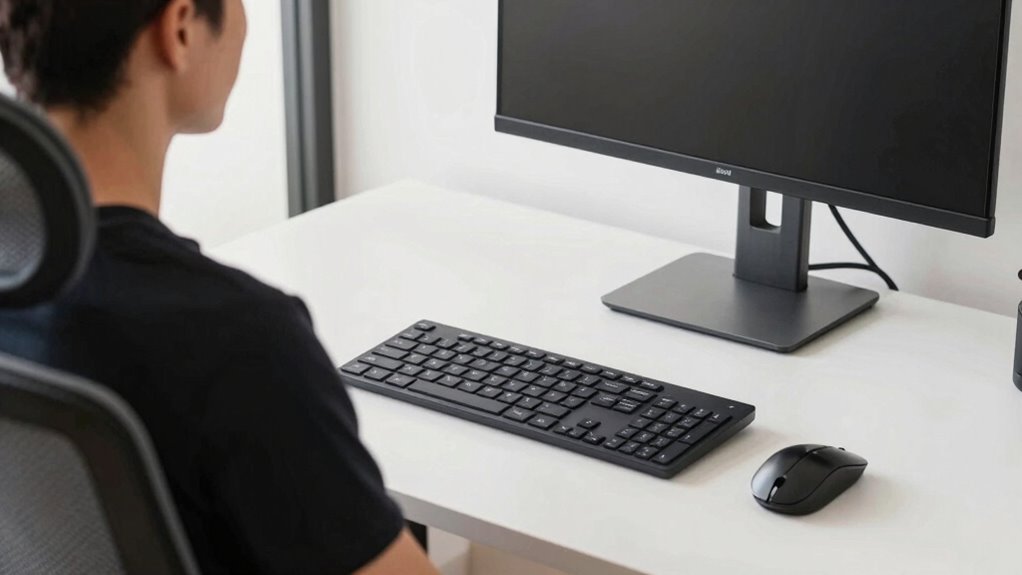
Many common mistakes in desk ergonomics can lead to neck strain, often without you realizing it. One mistake is neglecting proper neck stretches, which keep muscles flexible and reduce tension. Failing to incorporate regular neck stretches can cause stiffness and discomfort over time. Another mistake is using an unsuitable chair or improper positioning, leading to poor support. You might also overlook the importance of ergonomic cushions, which help maintain correct posture and reduce strain on your neck and shoulders. Additionally, staring at your screen at an awkward angle or having it too high or low can strain your neck muscles. To avoid these issues, pay attention to your posture, use ergonomic cushions, and incorporate neck stretches into your routine. Small adjustments make a big difference in preventing neck pain.
How to Reassess and Improve Your Ergonomic Setup Over Time
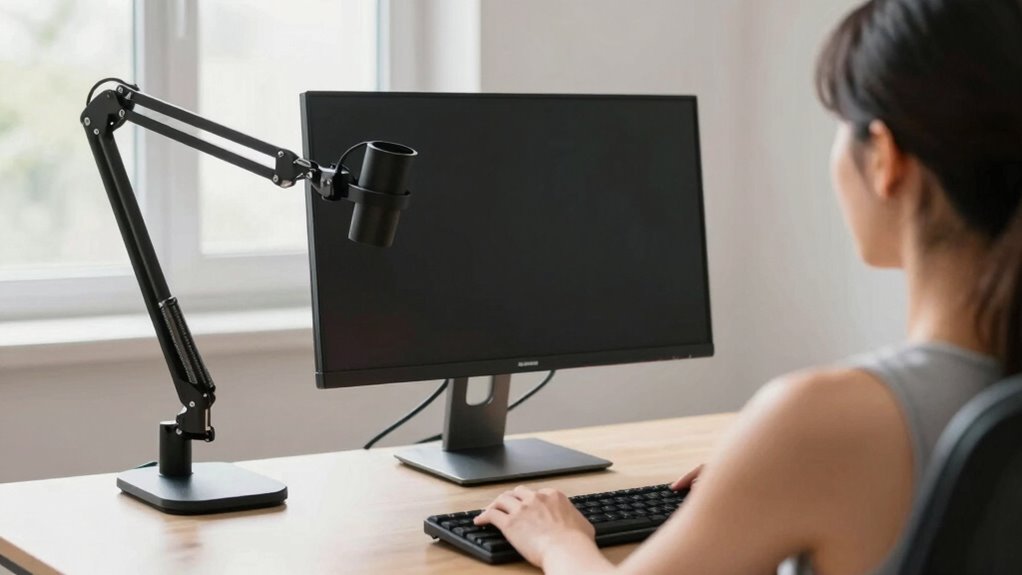
Regularly reassessing your ergonomic setup guarantees it continues to support your comfort and productivity. Over time, your needs may change, so it’s essential to check a few key areas:
- Desk height – Ensure it remains at elbow level when seated, preventing strain.
- Monitor placement – Keep your monitor directly in front of you, with the top at eye level.
- Chair position – Adjust for proper lumbar support and feet flat on the floor.
- Lighting and accessories – Minimize glare and ensure keyboard and mouse are within easy reach.
Frequently Asked Questions
Can Ergonomic Adjustments Improve Overall Workout Performance?
Yes, ergonomic adjustments can enhance your workout performance. By focusing on posture correction, you reduce fatigue and prevent injuries, helping you stay consistent. Equipment customization ensures your setup matches your body, making exercises more efficient and comfortable. When you optimize your ergonomics, you’ll likely experience better focus, increased strength, and faster progress, all while minimizing discomfort and the risk of strain during your workouts.
How Often Should I Reassess My Training Desk Setup?
You should reassess your training desk setup every few months or if you notice discomfort or poor posture. Regular monitoring frequency helps catch any issues early, ensuring ergonomic evaluation keeps your workspace ideal. Adjustments may be needed as your body or equipment changes. By staying proactive, you’ll prevent neck pain and maintain comfort, allowing you to focus on your workout performance without unnecessary strain.
Are There Specific Exercises to Reduce Neck Tension During Training?
Think of your neck as a fragile garden that needs tending. You should do neck stretches and shoulder rolls regularly to keep it healthy. These exercises loosen tight muscles and improve circulation, reducing tension during training. Incorporate gentle neck tilts, rotations, and shoulder shrugs into your routine. Doing these simple movements daily helps prevent pain and keeps your posture aligned, making your training more comfortable and effective.
What Signs Indicate My Ergonomic Setup Is Causing Strain?
If your posture awareness reveals frequent neck strain, your ergonomic setup might be the culprit. Signs include persistent neck pain, headaches, or stiffness after work. You may also notice difficulty maintaining good posture or discomfort during long periods at your desk. Consider ergonomic accessories like adjustable monitor stands or supportive chairs to improve alignment. Regularly check your setup to verify your neck stays relaxed and pain-free throughout your training sessions.
How Do I Balance Ergonomics With Space Constraints at My Station?
To balance ergonomics with limited desk space, prioritize using ergonomic accessories like adjustable stands and compact monitor arms that fit your setup. Arrange your desk to keep essentials within easy reach, minimizing unnecessary clutter. Opt for space-efficient items, and consider vertical storage options. By customizing these accessories to your workspace, you’ll improve comfort and reduce neck strain without sacrificing valuable desk space.
Conclusion
By tuning up your training desk, you’re steering your body away from the stormy seas of neck pain. Think of your posture as the compass—keep it steady, make small adjustments, and your workout will flow smoothly like a well-oiled machine. Remember, your ergonomic setup isn’t a one-and-done deal; it’s a living map that evolves with you. Stay vigilant, tweak often, and let your training journey be a voyage filled with comfort and progress.